
Private photos for couples
After the breakup,still uneasy aboutthe photos you sent?
Keepmine was made to take that feeling away. Take back what you sent from both phones anytime, photos you receive open only for your face, and not one photo ever goes to Keepmine’s servers.
iPhone · Private TestFlight beta · 18+
Yours to take back
Every photo you sent,yours to take back.
One photo, just the last hour, or everything at once. It leaves Keepmine on their phone too, even what they saved.
- Take Back
- Sync
- Gone from both

Breakup day
On the day you break up,you keep only what you both allow.
Ask each other for the photos you want to keep before you close the space. Only what they allow goes to your Photos.
- Ask to save
- Only what’s allowed
- Moving on
Photos you never shared never leave Keepmine. A copy saved with a yes can’t be taken back, and once the space is closed or one of you has left, nobody can be asked.



For your eyes only
Ever shown someone your phoneand that photo popped up?
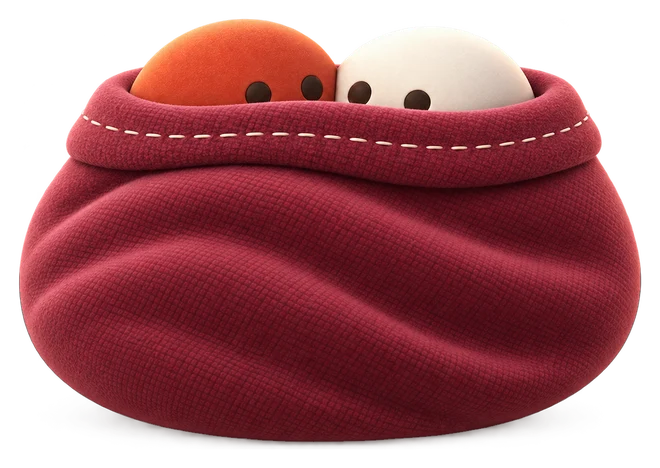
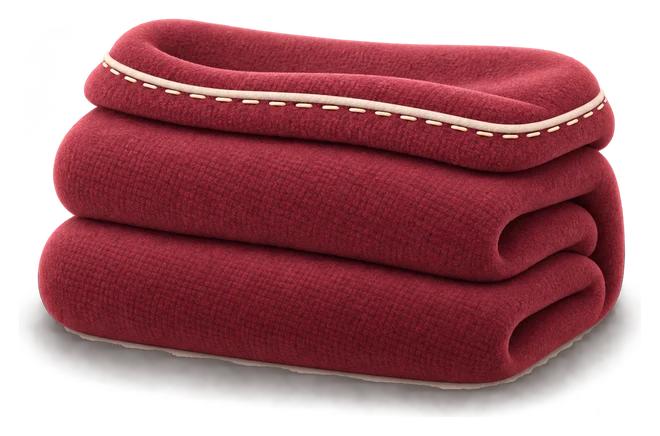
Not anymore. Photos you receive arrive under a blanket and open only for your face. If a friend is holding your phone, all they see is the blanket.
- Arrives covered
- Checks your face
- Opens for your face

Why it’s safe
Our photos on a company server?We never send one.
Built from day one to stop leaks. Photos are encrypted on the phone and go only to the sender’s iCloud.
- Never sent to our serversPhotos are encrypted on the phone and go only to the sender’s iCloud.
- Screenshots catch only the blanketScreenshots and screen recordings show the cover, not the photo.
- Face checks on the deviceCamera frames are never saved or sent.
- Out only with both yesesA photo you shared goes to the Photos app only when the person you shared it with says yes. Photos you never shared never leave, and there’s no button to send them to another app.
- No content in alertsNo photo or text on the Lock Screen.
- No ads, no trackingNo ad networks, no analytics.
Screenshot protection is verified on the iOS versions we’ve tested (iOS 18 and 26 in Apple’s simulator), and chat text isn’t hidden. No app can stop someone filming the screen with another camera. Privacy
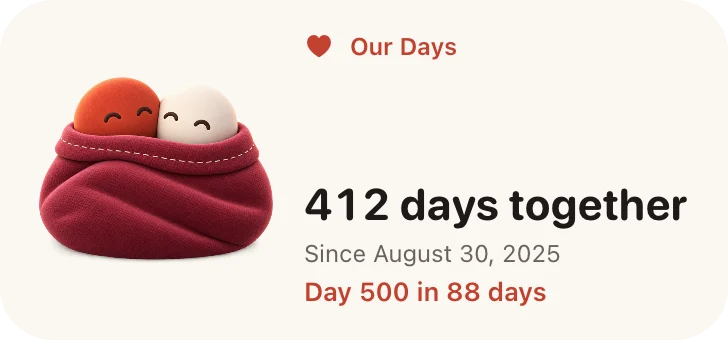
Our Days
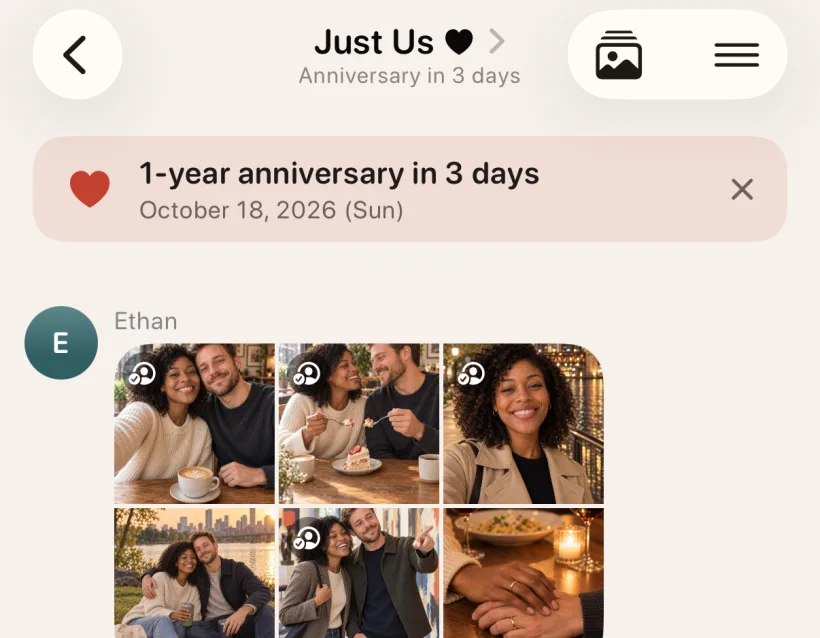
Almost forgotyour anniversary again?
A week ahead, your chat gives you a gentle heads-up.
AI Judge
When the argument won’t end,call the AI Judge.
If you both agree, each iPhone’s AI takes your side, and the verdict says who was more in the wrong. A line to make up comes free.
- Both agree
- Each AI argues
- Verdict in percent
Needs two iPhones that can use Apple Intelligence (iOS 26 or later). Everything runs on the two iPhones.
Questions
What it does,and what it can’t.
Does Keepmine stop screenshots?
On the iOS versions we have checked (iOS 18 and 26, on Apple’s simulator), screenshots and screen recordings keep a cover card where a Keepmine photo was. Chat text isn’t hidden, and no app can stop another camera pointed at the screen. We’re still checking more iPhones.
Who can open a photo I send?
It stays covered on their iPhone until they set up Faceport. After that it opens only while their front camera sees their face; another face covers it. Keepmine doesn’t look for people beside or behind them.
Is the camera recording me?
No. While a photo someone sent is on screen, the front camera checks for your Faceport face on your iPhone. Frames are processed in memory and dropped; nothing is saved or sent. The camera light shows while it runs. Without a Faceport it doesn’t run, and if you turn the camera off, received photos stay covered.
What happens when I take a photo back?
You can take back one photo, what you sent in the last hour, 12 hours or 24 hours, or everything you sent in that space. It moves to your Recently Deleted for 30 days, and once their iPhone syncs it disappears from their Keepmine, even what they saved. A copy they saved to the Photos app with your yes can’t be recalled.
What exactly happens if we break up?
Before you go, ask each other for the photos you want to keep, under Before You Go when you leave or close the space. Only what the other person allows can be saved to the Photos app. Close Our Space then deletes the photos and messages you sent for both of you and leaves; if you made the space, it ends once their iPhone has synced. Or leave and choose: keep your photos there, delete some, or delete them all. Leaving and deleting always work, even without a subscription. Once the space is closed or one of you has left, nobody can be asked.
Where are my photos stored?
Encrypted on the iPhone, photos are kept in the sender’s iCloud and messages in the writer’s. Photos you haven’t shared yet stay encrypted on this iPhone, opened with a key in your iCloud. Keepmine has no server that stores photos or messages; a small relay sends content-free alerts.
Can I save photos to the Photos app?
Only with a yes. A photo you shared, whoever sent it, can be saved to the Photos app once the people you shared it with allow it: ask from the photo, and the answer comes to the chat. A yes lasts 30 days. Photos you never shared never leave Keepmine: what you take shows in Keepmine’s Photos tab right away, and sharing it is up to you. There’s no button to send a photo to another app. You can send a photo from the Photos app in a chat: it moves into Keepmine and is removed from the Photos app.
Where does AI Judge send our chat?
Nowhere. Each iPhone reads its own copy of the chat with Apple Intelligence on the device and writes its argument. Your side note stays on your iPhone; only the arguments and the verdict card go into the chat. You can call it up to three times a day, and it’s an AI’s opinion, so it can be wrong. On iPhones that can’t use Apple Intelligence, AI Judge doesn’t appear.
What is Faceport?
A face template made on this iPhone in about 30 seconds. You need it to open photos sent to you, and they open only for your face. It also lets you take down photos you’re in. It’s shared, encrypted, only with members of spaces where recognition is on, and you can delete it anytime. It compares faces; it isn’t identity verification.
Can we use it with friends or family?
Yes. You can make trip or family spaces too, up to 50 people each. Photos you receive get the same cover, and anyone in a photo can take it down with Faceport, whoever posted it. Saving a photo to the Photos app needs a yes from everyone it was shared with, and someone who has left can’t be asked.
Do we both need Keepmine?
Yes, both of you need the latest version; earlier versions don’t cover photos. Keepmine is a private TestFlight beta for iPhone right now. Email us if you’d like to join.
How does the subscription work?
The first 14 days are free. After that it’s a monthly or yearly subscription, and each of you has your own plan; prices are in the Terms of Use and the App Store. Nothing is deleted if you stop: chats and photos lock until you subscribe again, and leaving a space or deleting your photos always works. Storage uses your own iCloud and isn’t part of the plan.
Who is Keepmine for?
Adults 18 and older. Keepmine never asks you to send anything; it just keeps what you choose to share between the people you share it with.
Just for you.Yours to take back.
Keepmine is a private beta for iPhone right now. Email us if you’d like to join together.
Join the betaiPhone · Requires an iCloud account · 18+